The IDE Everyone Uses... and the One I Prefer
spoiler: it's JetBrains WebStorm

Who's this for?
“Step 1. Open your code editor. I use VS Code.”
Here’s a challenge: Go on YouTube or wherever you get your tutorial/demo/walkthrough fix and let me know if you get past the first page without seeing screenshots of VS Code.
Is this about me being a hipster? From having to always rage against the mainstream? Perhaps.
I live exclusively in JetBrains IDEs. If WebStorm was a game on Steam, I’d have years of play time. I don’t know if that’s how Steam works, I don’t game.
(not sponsored. But that can change @jetbrains 😜 )
Code Editors Through The Ages
Every developer has an archaeology of tools.
I was 12 years old and hand-churning HTML into Neopets petpages and profile layouts, with no idea I was starting a career.
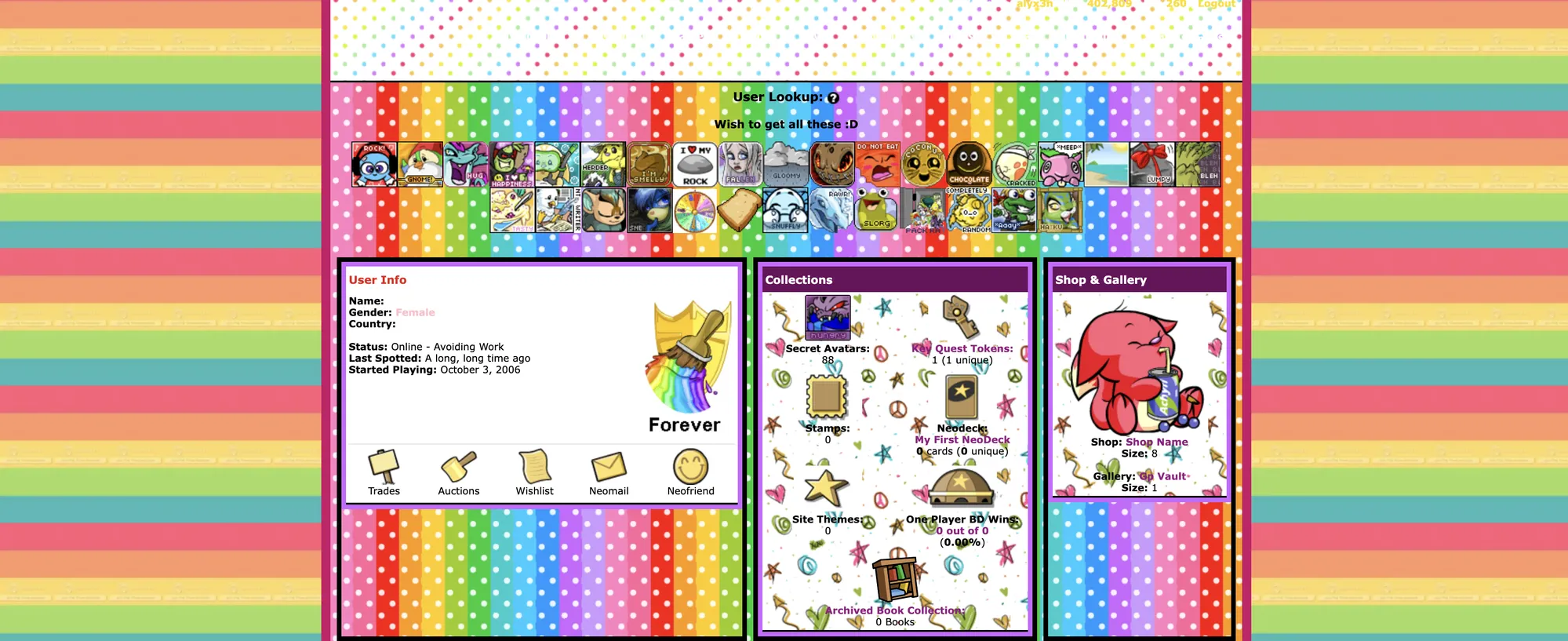
📝 Notepad (early 2000s)
No autocomplete, no syntax highlighting, no idea what I was doing. It was magical just creating my own “webpage”. Most of them stayed on localhost.
🌈 Sublime Text (somewhere in my teen years)
Colors were a game-changer. And the first version of Sublime Text was so pretty. I skipped Notepad++ because I thought the UI was ugly.
⚛️ Atom (first semester of college)
“A hackable text editor for the 21st century.” I didn’t fully get what hackable meant at the time, but it was pretty, and it felt revolutionary. Infinitely configurable, and soooo slow.
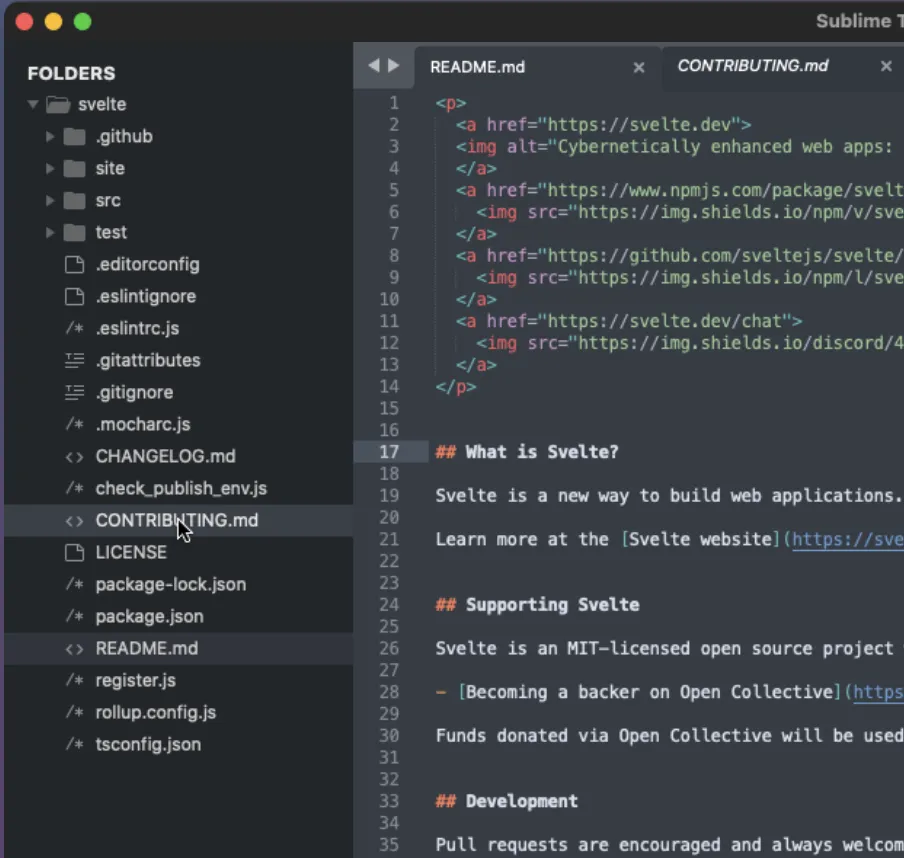
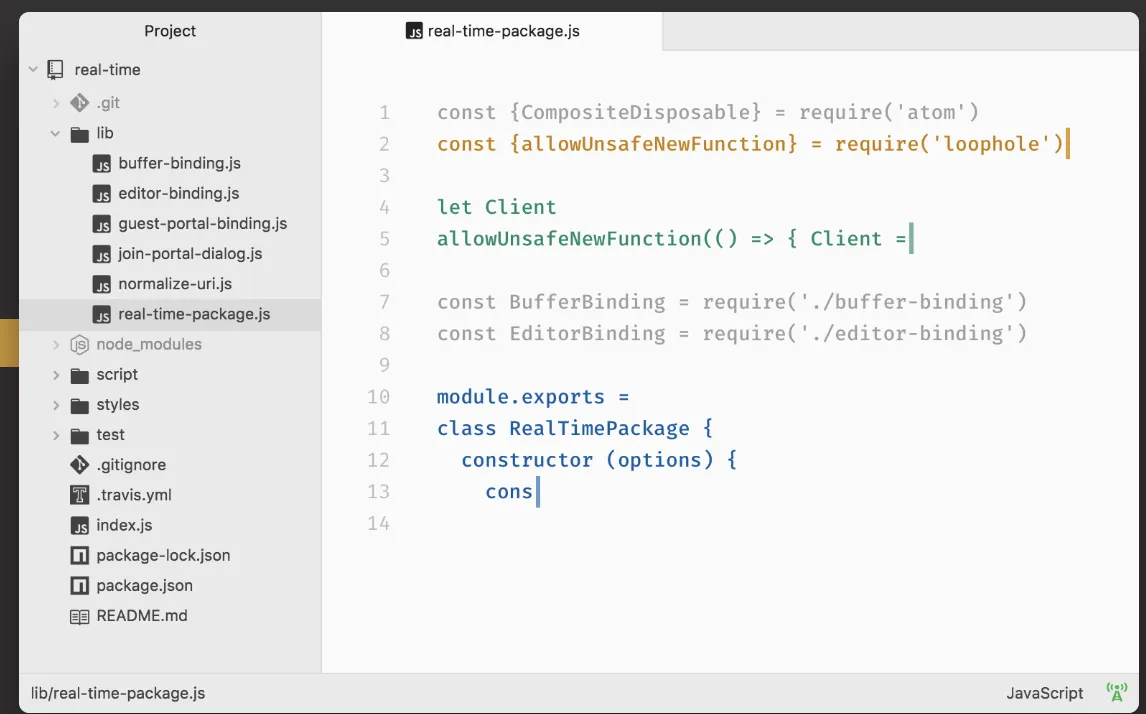
I know, none of these were ever true IDEs. However, there’s no arguing the role they played in the history and evolution of IDEs.
What VS Code got right
VS Code took Atom’s big idea of using web technologies and propelled it.
Same Electron foundation, but with enough engineering discipline that people stopped treating web-based editors like a joke. (I seriously have no idea where anti-web sentiments come from. Web + Me = < 3 )
VS Code is definitely successful.
⚡ It validated Electron.
Atom showed that you could build a code editor with web tech. VS Code showed you could do it without your fans spinning up every time you opened a project.
🧩 The extension ecosystem just worked.
I love community participation! The extension marketplace really made VS Code flexible for the dev community. Need something for your super niche codebase? Someone probably made a 3.8 star extension on the marketplace for it.
🛰️ Remote development is smooth.
SSH into a machine, open a folder, and everything feels local. Your editor, your extensions, your workflow. I tried it a few times, pair programming sucked less when you don’t have someone breathing over you IRL.
🎛️ It handles a lot of use cases.
The startup is (almost) painless. Launch your repo and you’re productive within seconds. That’s why it’s become the default recommendation.
There’s still a learning curve and I have thoughts on if it’s actually intuitive for beginners.
VS Code has achieved such a stronghold with professional and emerging engineers that suggesting anything else usually prompts justifying why.
So, here’s why.
JetBrains is the Apple of IDEs
Experts say VS Code is industry standard.
And, to that, I say: ‘ok.’
— me, when someone gave me a hard time over IDEs
I’m not one to yuck someone’s yum, but I don’t enjoy the UX as much on VS Code. I think it was all the obvious shiny knobs and levers I could pull. With the extensions, there’s just way too many options for me to get distracted with.
The omnibar is cool, if I knew how to use it. The documentation on all these features was all over the place. But also, why am I reading documentation right now? Give me a 3-minute max tutorial video to ignore.
JetBrains IDEs were much more intuitive for me. It felt more intentional.
I’ve spent more time in WebStorm than any other JetBrains IDE, so that’s the comparison I’ll base this off. WebStorm is their flavor for JavaScript/TypeScript and general webdev. I’ve also used PhpStorm for PHP and DataGrip for SQL.
🧠 It actually understands your code.
For example, renaming a variable isn’t a glorified find and replace. It follows types, imports, references, template strings, and all the weird little corners your project has accumulated over the years. I trust it so much that I don’t hesitate before clicking Refactor.
🛠️ The defaults are boring in the best way.
Linting, formatting, testing, debugging, package management. It’s all there. No scrolling through extension marketplaces. No 20 plugins fighting over who owns the save button.
🧐 I like opinionated tools.
Calling it the “Apple of IDEs” might be going too far. You can customize and there are extensions but JetBrains have dedicated teams for their specialized IDEs.
I don’t want to rebuild my editor every few months or spend my Saturday tweaking settings because Reddit found a new “game changer” extension pack.
Coding at Microsoft without Microsoft-endorsed products
At work, I am so much more productive and so much faster since I have such high trust with my IDE. I’m able to switch into debug or refactor, etc. The indexing of the codebase is great and the shortcuts are awesome. (shift twice to jump to a file search, use the target icon to zero in on current file, git view, etc.)
It’s a little awkward when I screenshare and fellow engineers have a harder time following along since it’s unfamiliar landscape. I haven’t had anyone tell me it’s a blocker. More often than not, they ask me what’s the VS Code extension for the Intellisense.
I am thankful for the Personal and Commercial offerings that JetBrains provides. I think strong teams want people who are honest about their tools and other things rather than loyal to the logo on the building.
The history of code editors is really a history of tradeoffs (Software’s Tale as Old as Time). Notepad traded power for simplicity. Sublime traded extensibility for speed. Atom traded speed for hackability.
VS Code found a remarkable balance, and JetBrains trades some of that lightness and universality for depths I hang out in the most.
I think loyalty to a product is a little dystopian. I am devoted to what it represents and if we’re talking about IDEs, it’s whatever helps me feel maximum love for software development.
It’s WebStorm. Download here ⚡